
Every principal's statement, in one place
Principals send commission reports as spreadsheets and PDFs, each laid out its own way. In Torch CRM you import each report, review the staged rows, fix anything that came in wrong, and only then upload them. A saved layout per principal means next month's statement imports the same way.
- Check the statement against itself. Each import is checked against the statement's own total, so a missing or doubled line shows up before it reaches your books.
- Trace every line. Each commission row carries the invoice, company, manufacturer, territory, net sales and commission, and links back to the sale and account it pays.
- See it by month, territory or report. Switch between all commissions, by territory and by source report for any payment month.
- Calculate from your sales. Generate the month's commission rows straight from your sales records.
Sales that were never quoted still count
A rep is often paid on business that was never quoted through the CRM, such as reorders and orders that came in through a marketplace. Torch CRM takes sales from your principals' invoice files and marketplace order files as well as from won quotes, so the commission picture is complete.
Protected numbers
Invoice numbers, net sales, multipliers and commission amounts are read-only until a user unlocks them with the commission edit password, and every change is written to the audit trail. Everyone can see the numbers. Only the people you choose can change them.
Reporting that answers the questions owners ask
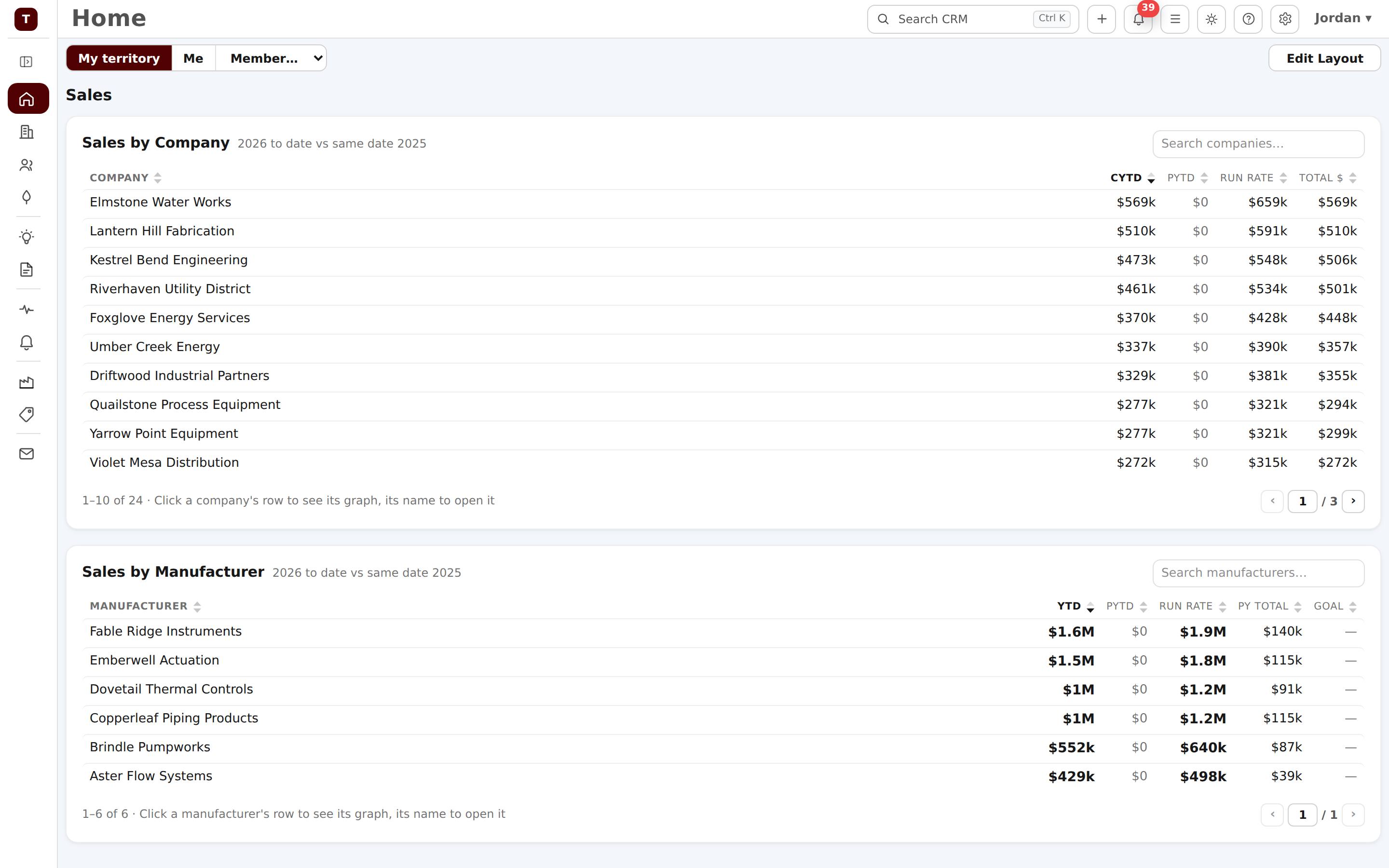
Analytics shows actual against target by customer, manufacturer, territory or location, with a team scoreboard and an executive view of concentration, momentum and the top reps, territories and lines.
Get started
See pricing, take the product tour, or read how commissions work in the User Guide.